01
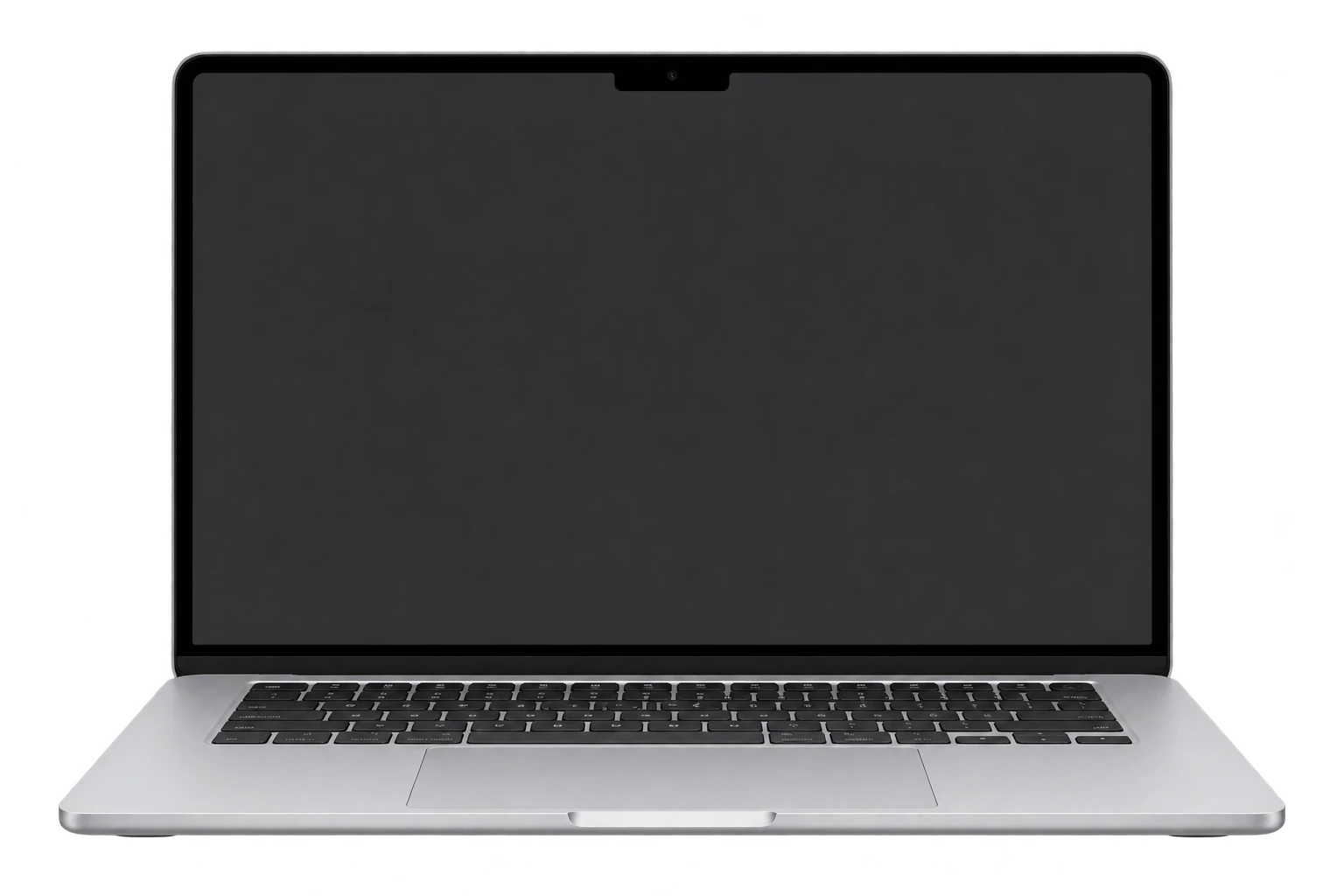
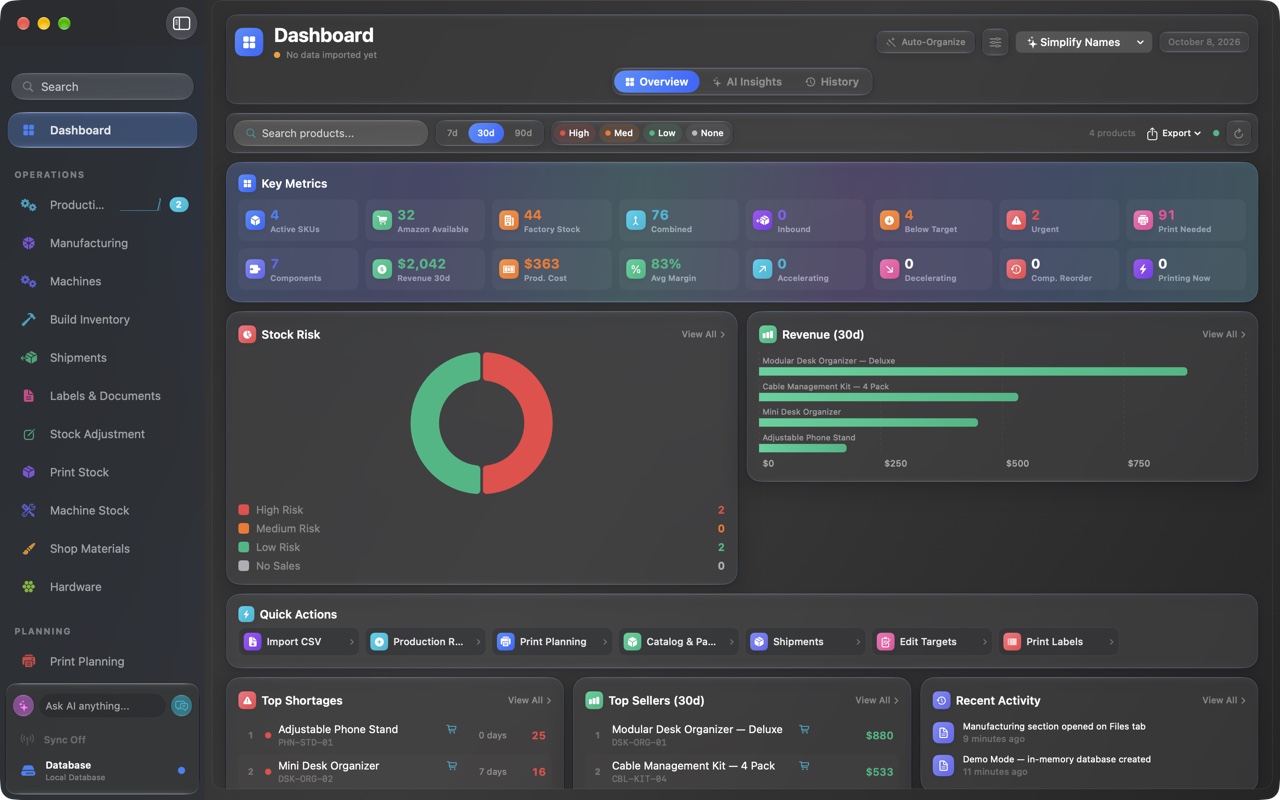
macOS app
Bring sales, inventory, and production together to see what needs attention and plan your next move. Direct download, no App Store required. Requires macOS 27 or later on Apple Silicon.
Invitation required. Use tester and your invitation password. Request access.
02
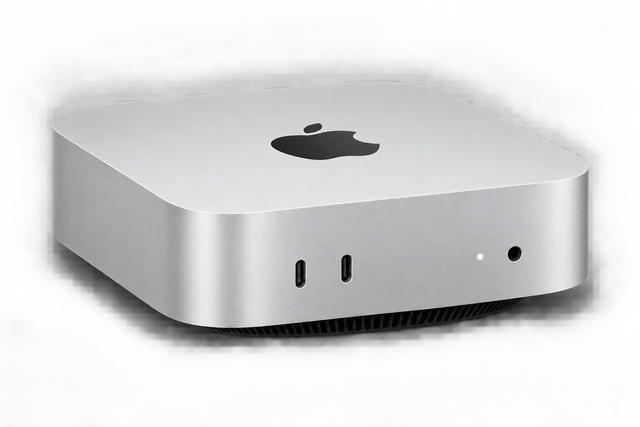
Headless server
Use a dedicated Mac as the hub for your local FactoryGrids setup. The installer includes FactoryGrids Host, with automatic local discovery and a built-in MQTT broker.
Invitation required. Use tester and your invitation password. Request access.
03
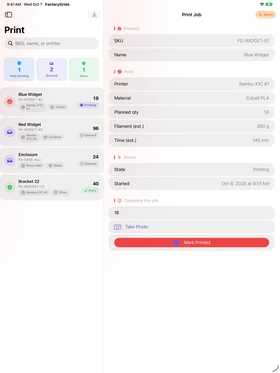
iPhone, iPad, and Apple Watch
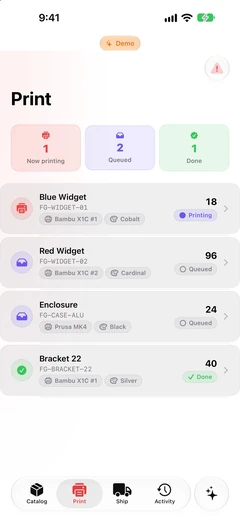
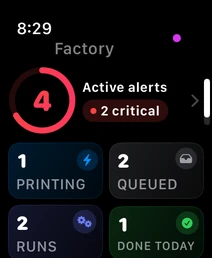
Companion apps with home-screen widgets and watch complications that stay in sync with the Mac. See free iPhone and Apple Watch previews below. iPad availability is shown here.
Tap an app screen to see it larger. Companion screens show sample data.
04
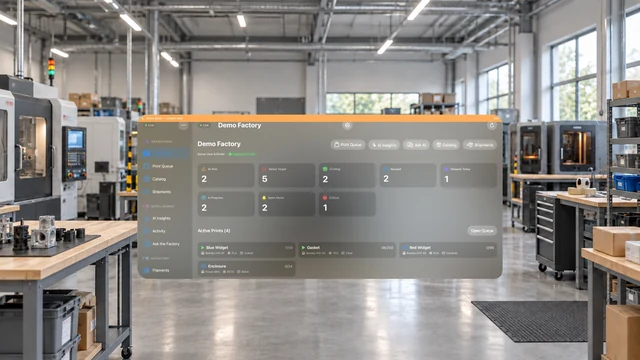
Apple Vision Pro
Spatial dashboards that put your whole operation, from stock risk to live runs, around you in space. Check this companion's release availability below.