01Home 02Features 03Integrations 04Pricing 05Support 06Download Request access
Download

Get FactoryGrids.

FactoryGrids runs on your Mac. Installer access is currently by invitation. Request access, or use your invitation to download the signed and notarized Mac release.

Requires macOS 27 or later on Apple Silicon.

Already invited?

When the download asks you to sign in, use the username tester and the password provided with your invitation. Need an invitation? Request access.

Version 26.10. Signed and notarized installer. Paid activation and trial enrollment are not available yet.

Apps

Every place FactoryGrids runs.

The Mac runs the floor. Invited testers can download it directly or choose FactoryGrids Host in the same installer for a dedicated Mac. Each companion has its own release availability below.

01

macOS app

Bring sales, inventory, and production together to see what needs attention and plan your next move. Direct download, no App Store required. Requires macOS 27 or later on Apple Silicon.

Invitation required. Use tester and your invitation password. Request access.

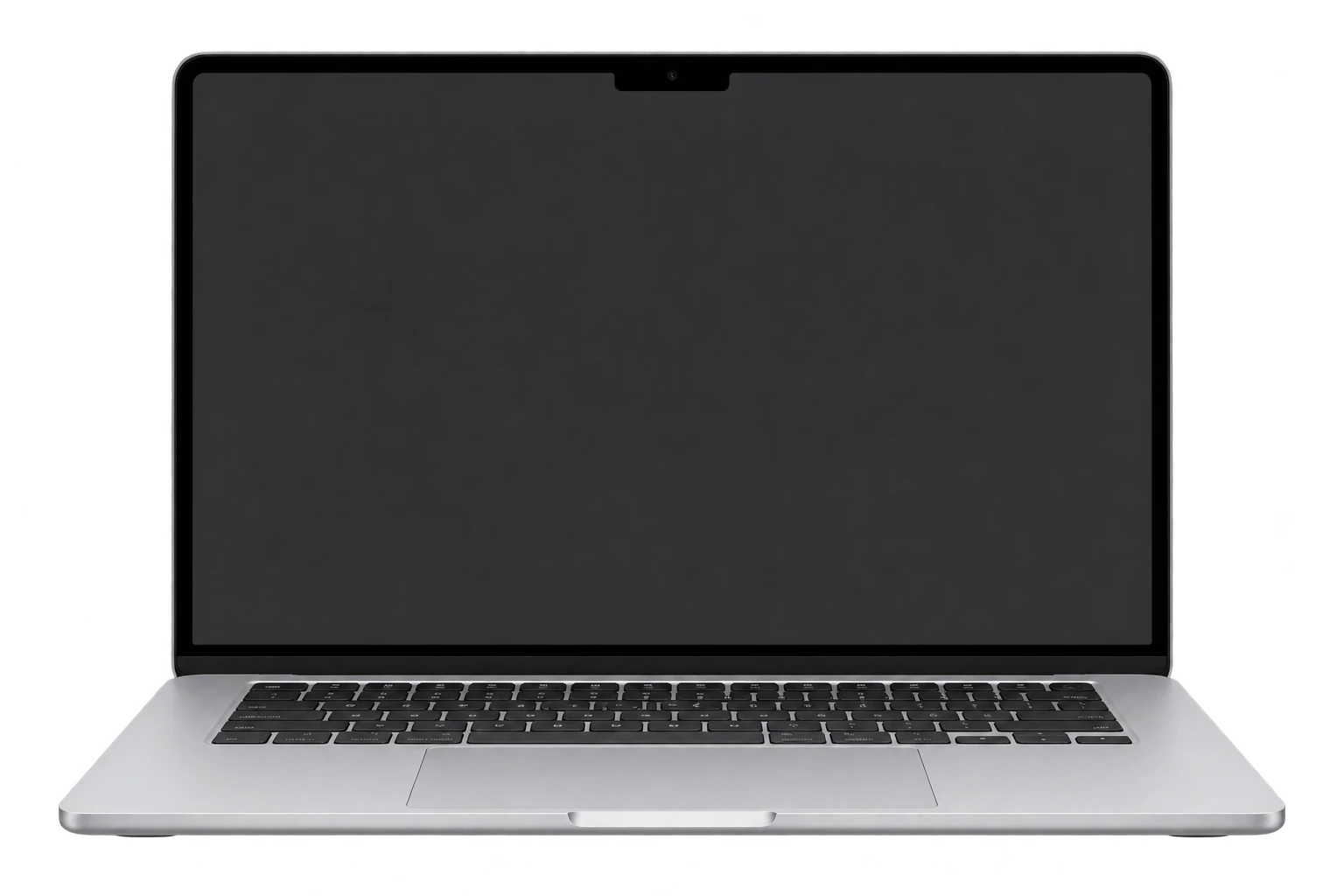
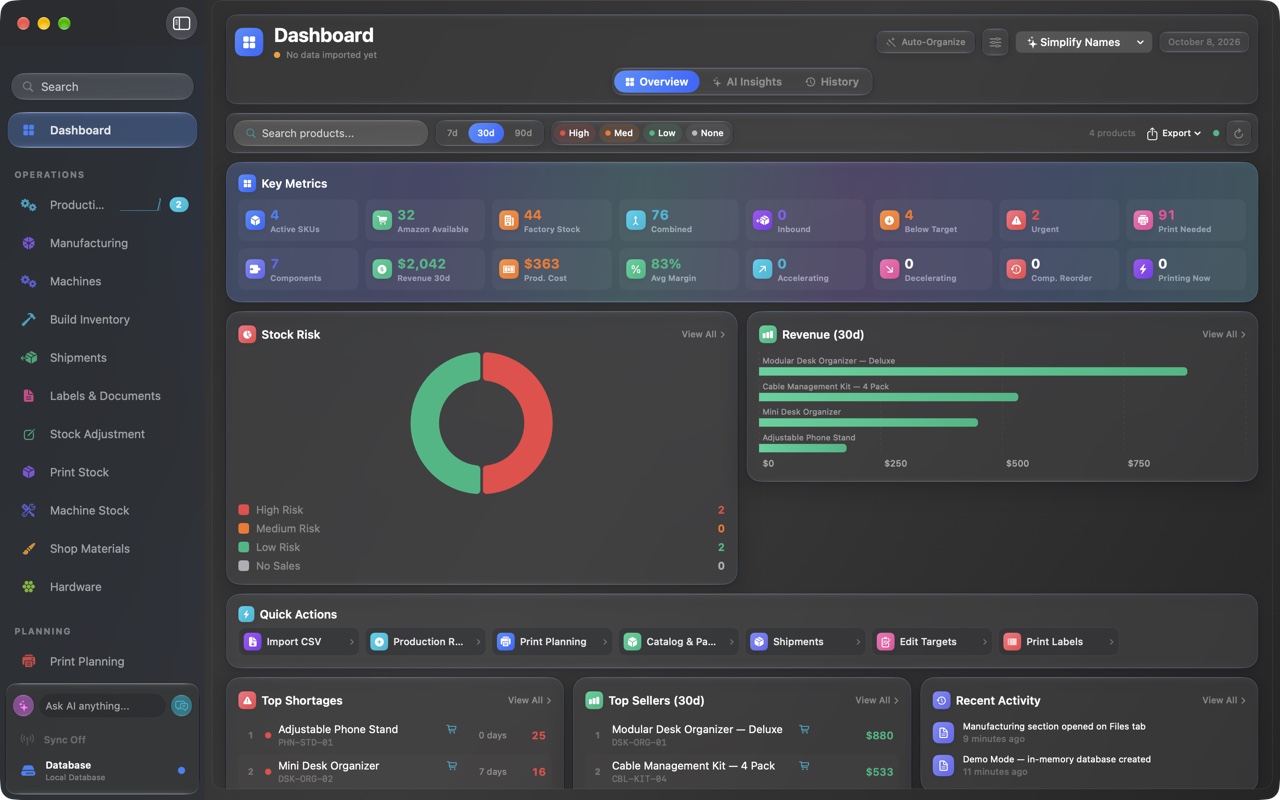
Current-generation M5 MacBook Air hardware mockup with a notched display and flat silver chassis. FactoryGrids Demo Factory dashboard with key metrics, stock risk, 30-day revenue, top shortages, and top sellers.
02

Headless server

Use a dedicated Mac as the hub for your local FactoryGrids setup. The installer includes FactoryGrids Host, with automatic local discovery and a built-in MQTT broker.

Invitation required. Use tester and your invitation password. Request access.

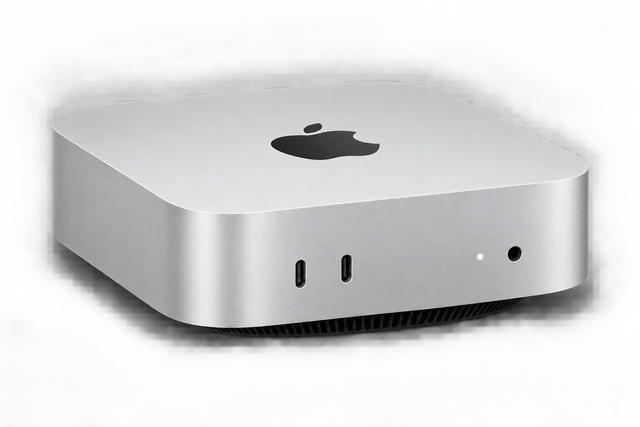
Mac mini hardware illustration for a dedicated FactoryGrids headless host.
04

Apple Vision Pro

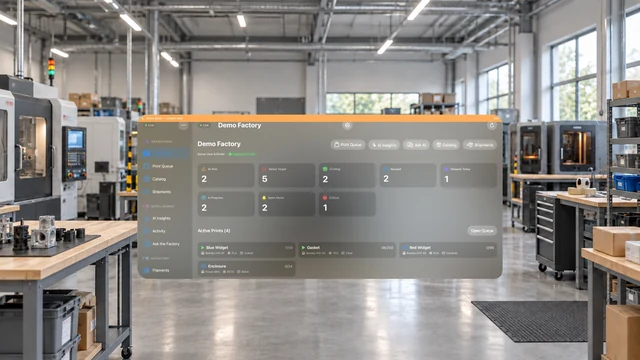
Spatial dashboards that put your whole operation, from stock risk to live runs, around you in space. Check this companion's release availability below.
FactoryGrids visionOS demo dashboard composited over a generated factory setting.
Free companion apps

Get the iPhone and Apple TV apps

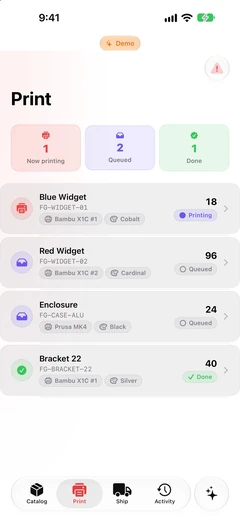
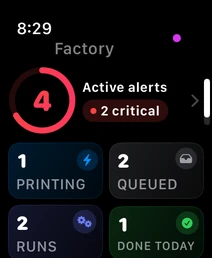
The iPhone, Apple Watch, and Apple TV apps are free and work with the FactoryGrids Mac app. Without a Mac, they open a demo factory.

TestFlight is Apple's beta-testing app. Install TestFlight first, then install the companion app. These builds are previews and update often.

Requires iOS 27 or later for iPhone, and tvOS 27 or later for Apple TV. Public links appear here as each preview becomes available.

Get set up

Install FactoryGrids on your Mac.

Install the app on your own Mac, then connect your first machine.

Download the Mac app

With your invitation ready, open the download link, use tester and your invitation password, and save the signed and notarized installer. Request access if you have not been invited.

Run the installer

Open the .dmg, double-click the .pkg inside, and follow the installation steps. Choose FactoryGrids for the Mac app, then launch it from Applications.

Start free

Begin on the Free plan, which needs no license key, then connect your first machine. Paid activation and trial enrollment are not available yet.

Connect your devices

After installing the Mac app, connect your compatible companion devices to see your factory across your screens.

Planned paid activation

Activate when paid access launches.

The planned flow is to install and open the Mac app, enter your separately delivered license key, and activate online before using supported offline access. The planned Studio trial is 30 days. Paid activation and trial enrollment are not available yet.

Key delivery and recovery will be separate from the billing receipt and portal. For setup, billing, or activation questions, see billing and activation help.

Spec sheet

Requirements

Mac
macOS 27 or later on Apple Silicon.
Companions
iPhone previews require iOS 27 or later; Apple TV previews require tvOS 27 or later. iPad, Apple Watch, and Apple Vision Pro system requirements will be listed when available.
Network
Server Mode and Mac to Mac sync run on your own local network, with optional NAS storage.
Pricing

Pick a plan when you are ready.

Start free and compare the paid tiers. Every plan includes basic local backup, restore, and complete data export. Reading and exporting your existing records remain available after cancellation, including records above Free limits.